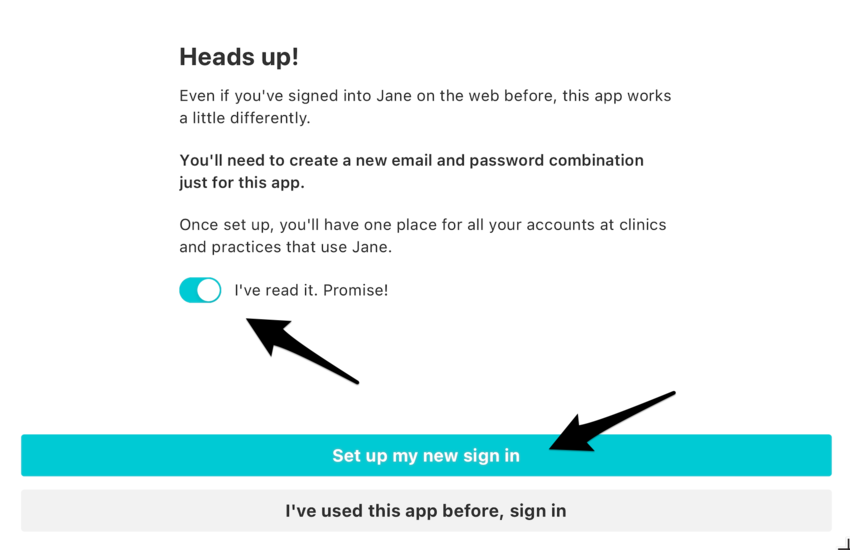
When you open the app, you’ll see a brief message about creating your app account. Click the toggle below the message once you’ve read it, and then click the blue Set up my new sign in button.
Next, you’ll enter your info and set up a password. After verifying your email address, you can start adding the Jane clinics you use.
Adding clinics to the app
Currently, you can only add clinics that you already have a username and password set up with. This is if you only use Jane for one clinic (practisioner, therapist, yoga, doctor etc.) or for more than one.
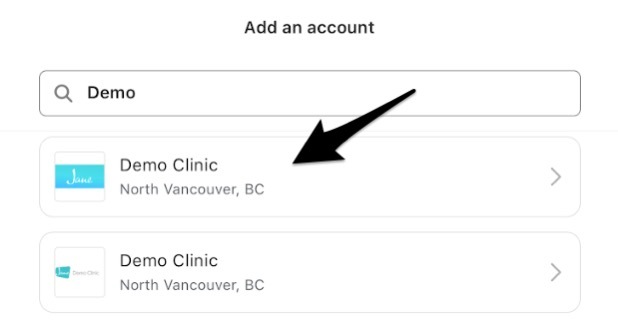
Click the blue Add my first account button and enter the clinic’s name into the search bar.
Once you’ve found your clinic, give it a tap.
If you don’t see your clinic come up, double-check what their URL or web address is.
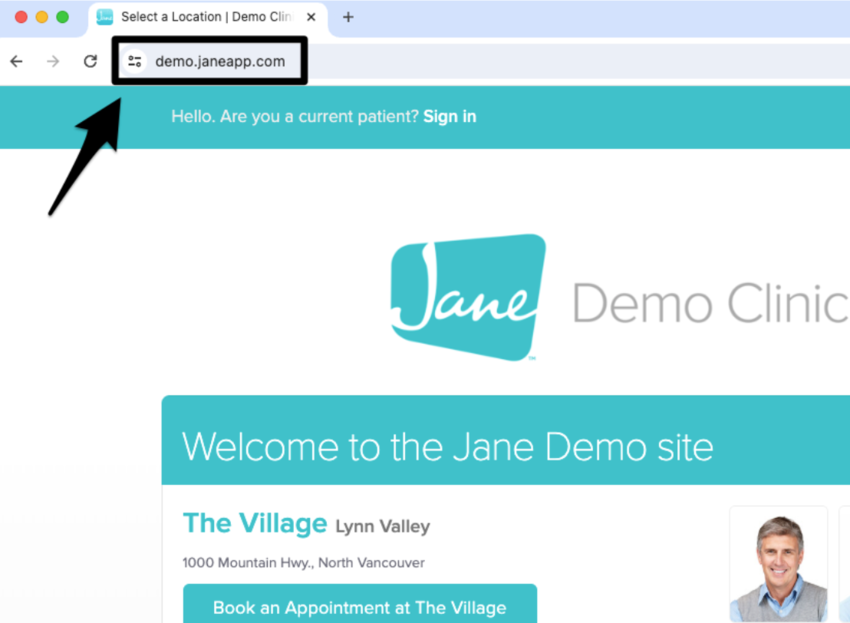
To find a clinic’s URL, you can head to their online booking site and look at the address bar at the top of the screen:
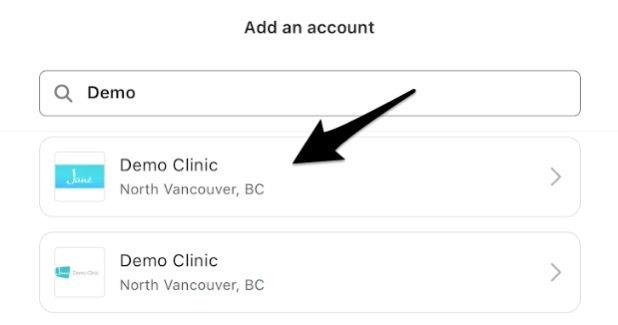
Next, head back to the app and enter the first part of that clinic URL into the search bar. For the example above, the URL is demo.janeapp.com, so we can just enter “demo” in the search bar.
After selecting your clinic, if the email address you used when signing into the app is the same as the one for your clinic profile, then the app will find your clinic profile and you can click Add account below your name.
If your clinic email doesn’t match the one you used when signing into the app, or if you haven’t signed into your clinic account in the past 6 months, you’ll need to enter your login details to link your clinic profile.
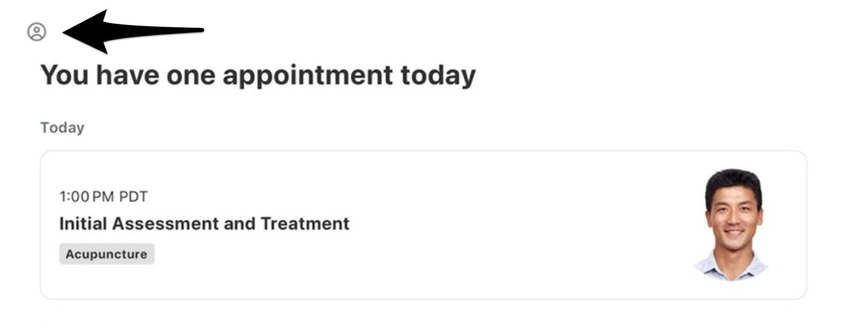
If you accidentally link the wrong clinic profile, you’ll want to remove the clinic from the app and re-add it again.
💡 Jane tip: If you’ve forgotten your password for your clinic profile, you’ll need to reset it outside of the app. You can do this by opening your web browser, heading to your clinic’s online booking page, and clicking the Forgot your username or password button when signing in.
After you’ve linked your account, your clinic will be added to your Jane Mobile app! You only have to do this once. Once your clinic is linked, you don’t need to sign in to your individual clinics, only the app.
You can continue to add more accounts or click Done (you can always add more accounts later).
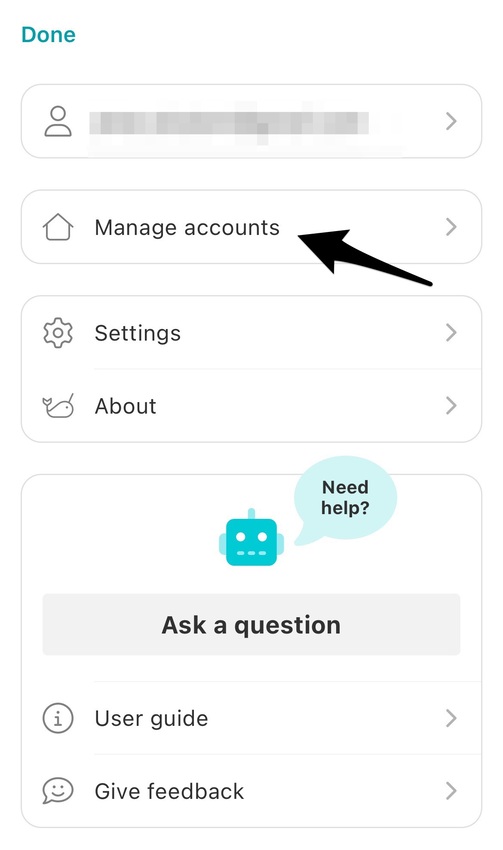
From here, click on Manage accounts
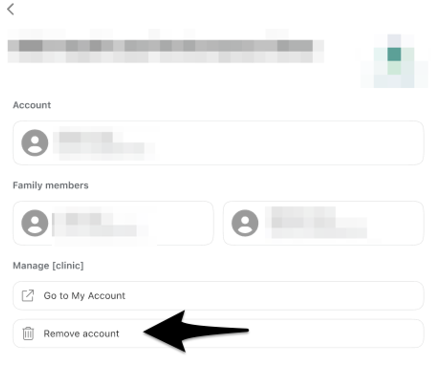
Select a clinic from the list and click Remove Account.
All done! You can always re-add the clinic if needed.